Setting Up Your First Bittensor Wallet
Coldkeys, hotkeys and the one rule you must never break. A beginner's guide to holding TAO safely.
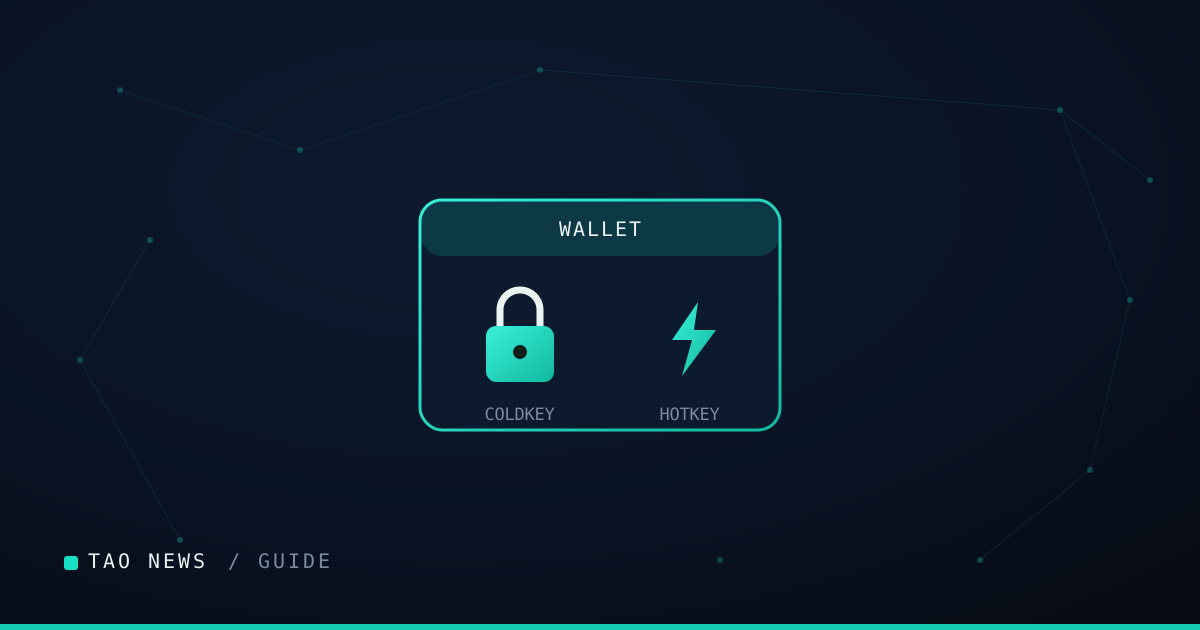
Before you can hold, stake or earn TAO, you need a Bittensor wallet. Its two-key design is a little different from most crypto wallets, and getting it right from the start is the difference between security and a painful lesson.
Coldkey and hotkey
A Bittensor wallet has two parts:
- The coldkey holds your funds and your authority. It is the key you protect above all else and keep offline wherever possible.
- The hotkey is used for day-to-day operations - registering, mining, validating - and is designed to be exposed to the network. It has limited authority precisely so that using it does not put your balance at risk.
Separating the two means the key that does the risky, online work is not the key that guards your TAO.
Creating a wallet
Wallets are typically created with Bittensor’s command-line tool, btcli. When you generate a wallet you will be shown a mnemonic - a recovery phrase. Write it down, store it offline, and store it somewhere you will still have in a year. Anyone with your coldkey mnemonic controls your funds.
The one rule
Never share your coldkey mnemonic. Not with a “support” account, not into a website, not to anyone promising to help. No legitimate person or process will ever need it. This single rule prevents the overwhelming majority of losses.
Sensible habits
Keep your coldkey offline and back up its mnemonic in more than one secure place. Use the hotkey for network activity. Double-check addresses before sending. And when you are ready to stake, confirm you are interacting with the tool or explorer you intend to - phishing sites imitate the real thing. Set the wallet up carefully once, and everything else on Bittensor becomes far less nerve-wracking.